Sign Up, Log In & Permissions
First-time login
Section titled “First-time login”-
Open weScanX.
-
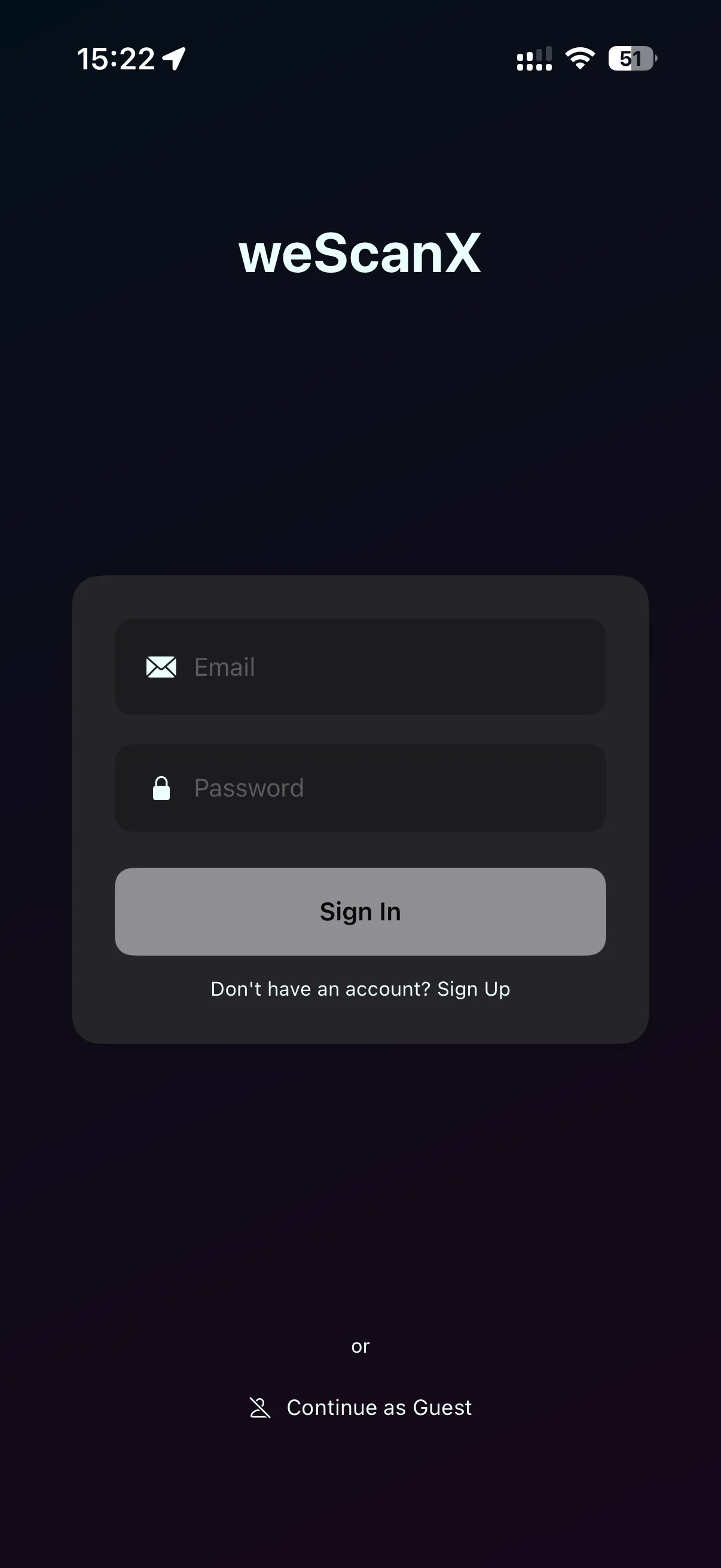
Tap Sign In.
-
If you do not have an account yet, tap Sign Up and create one with your email address.
-
Enter your email and password, then log in.
The app remembers your login — next time you open weScanX you can start working right away.
Permissions
Section titled “Permissions”On first launch, iOS asks for several permissions. Each one is needed for a specific part of the workflow:
| Permission | Used for |
|---|---|
| Bluetooth | Registering and finding your Stonex device |
| Local Network / WiFi | Connecting to the Stonex device |
| Camera | Capturing project photos |
| Location | Filling in the project address |